USA IPTV subscriptions · 1–4 device options

Best IPTV Service in the USA for Sports, Movies & Live TV

Compare our IPTV service plans, explore the advertised live-channel and on-demand catalogue, and check the details that matter before choosing among IPTV providers. USA customers can select a 1-, 2-, 3- or 4-device option, review SD, HD, Full HD and 4K support, and request a 24-hour free trial.

1–4 device optionsSetup assistanceConditional 7-day refund policy
8YEARSOF DEDICATION
USA IPTV subscription pricing

IPTV Subscription Plans for 1–4 Devices

Choose a subscription duration and the number of devices. Every plan includes the advertised features below. The displayed one-device prices are promotional prices, with additional savings for multi-device orders.

1 device: 5% off2 devices: 10% off3 devices: 15% off4 devices: 20% off

1 Month

$14.00

High Performance Server

$14.741 device · 5% off

One month of access for customers who want a shorter subscription period.

  • HD/FHD/4K/8K IPTV
  • TV Guide (EPG)
  • Local Premium Server
  • +100,000 VOD Library
  • +22,000 Live IPTV Channels
  • PPV Channels
  • All Live Events
  • NBA, NFL, NHL Packages
  • No Buffer
  • Setup Assistance
  • Instant Delivery
  • Update every week
Buy Now

3 Months

$29.00

High Performance Server

$30.531 device · 5% off

Three months of access with the same device options and service features.

  • HD/FHD/4K/8K IPTV
  • TV Guide (EPG)
  • Local Premium Server
  • +100,000 VOD Library
  • +22,000 Live IPTV Channels
  • PPV Channels
  • All Live Events
  • NBA, NFL, NHL Packages
  • No Buffer
  • Setup Assistance
  • Instant Delivery
  • Update every week
Buy Now

6 Months

$37.00

High Performance Server

$38.951 device · 5% off

Six months of access for viewers who have checked the service and package terms.

  • HD/FHD/4K/8K IPTV
  • TV Guide (EPG)
  • Local Premium Server
  • +100,000 VOD Library
  • +22,000 Live IPTV Channels
  • PPV Channels
  • All Live Events
  • NBA, NFL, NHL Packages
  • No Buffer
  • Setup Assistance
  • Instant Delivery
  • Update every week
Buy Now

Prices are in USD. The listed one-device prices already include the 5% promotional saving. Multi-device discounts are applied to the regular per-device total; additional devices are not free. Confirm the number of registered devices and simultaneous streams, package availability, taxes or fees, and content distribution rights before payment. Actual playback depends on the source, device, home network and internet provider.

24-Hour Trial

Ask support whether the 24-hour trial is available for your device and requested package before ordering.

7-Day Conditional Refund

A refund may be requested for a service problem that support cannot resolve, subject to the published refund terms.

Setup Assistance

Get guidance on compatible devices, player configuration and the initial sign-in process.

Device compatibility

Works With Your Favorite Devices

Fire TV, Android TV, Apple TV, Samsung, LG, Chromecast, NVIDIA Shield, Windows, VIDAA, Formuler and BuzzTV. Check compatibility for your exact model.

Fire TV logoFire TV
Android TV logoAndroid TV
Apple TV logoApple TV
Samsung Smart TV logoSamsung Smart TV
LG Smart TV logoLG Smart TV
Chromecast logoChromecast
NVIDIA Shield logoNVIDIA Shield
Windows logoWindows
VIDAA logoVIDAA
Formuler logoFormuler
BuzzTV logoBuzzTV

Platform names and logos identify third-party products for compatibility reference only. USA IPTV is not affiliated with or endorsed by these manufacturers.

Service overview

IPTV Service Features and What Is Included

Review the advertised IPTV features first, then confirm the current channel list, device requirements and territory-specific availability with support. A clear IPTV service description should explain both what is included and what customers need to check.

📺

22,000+ Live IPTV Channels Advertised

The service advertises a catalogue of more than 22,000 live IPTV channels. Ask for the latest channel list and confirm which stations are available in your location and package. The supplied feature list also mentions VIP channel categories; ask support which VIP entries are currently included in your plan and region.

🎬

100,000+ VOD Library Advertised

The on-demand catalogue is advertised at more than 100,000 on-demand titles. Ask which films and series are currently available and whether regional rights permit access.

✨

SD, HD, FHD and 4K Options

Resolution depends on the source, title, player, screen and internet connection. A 4K label does not mean every IPTV channel or movie is supplied in 4K.

📅

Electronic Program Guide

EPG information can display programme names and schedules for supported channels. Check the guide coverage and timing for the channels you actually watch.

🧊

Anti-Freezing Technology

Network and server optimisation can help reduce interruptions, but no IPTV provider can guarantee that buffering will never occur on every connection.

💬

24/7 Support Contact

Support enquiries can be sent at any time through WhatsApp or email. Response and resolution times may vary with the type of issue and support workload.

Modern living room with a large flat-screen television and seating
Flexible viewing

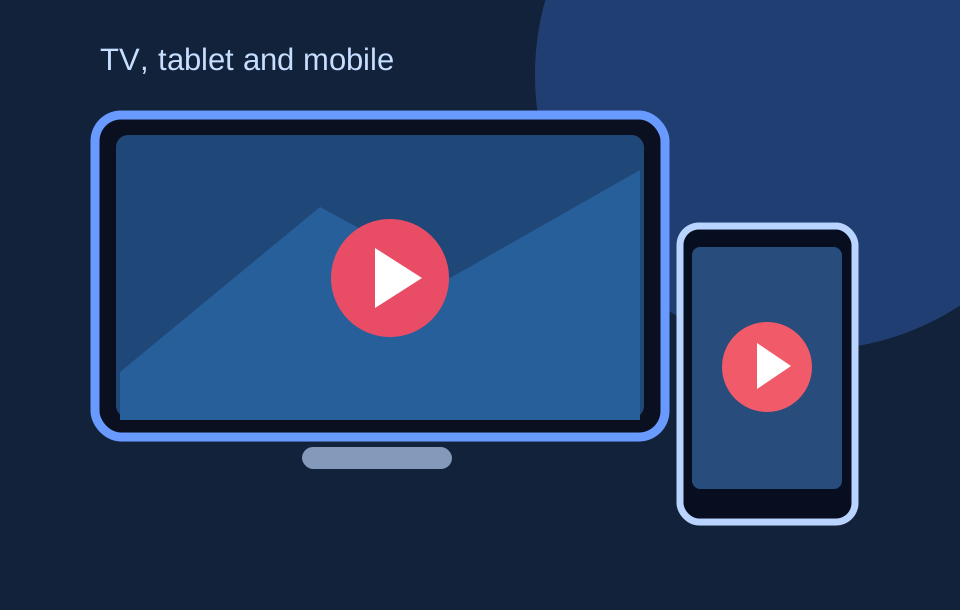
Watch IPTV on Compatible TVs, Boxes and Mobile Devices

An IPTV subscription is delivered through an internet connection and a compatible app or receiver. Before you subscribe, identify the device model and operating system. Compatibility depends on the app, firmware, service format and connection details supplied for the account.

Smart TVs and connected televisions

Many households use a built-in smart-TV app, but app availability differs between Samsung Tizen, LG webOS, Android TV, Google TV and other television systems. Check the model year and app store before choosing a package. A TV being called “smart” does not automatically mean every IPTV player is supported.

Streaming sticks, Android TV boxes and MAG receivers

A dedicated IPTV box or streaming stick may provide a convenient interface, remote control and wired-network option. Check memory, processor support, video decoding and software updates. The IPTV box guide explains what to compare before buying hardware.

Phones, tablets and computers

Some IPTV apps support Android and iOS devices, while desktop users may use compatible players. Confirm the exact app, login method, supported playlist format and number of simultaneous connections. Do not assume that a mobile app includes TV channels; the player and the content subscription are separate things.

Read the IPTV app setup guide →

Getting started

How Does an IPTV Service Work?

IPTV means Internet Protocol Television. Instead of receiving television only through a traditional cable or satellite signal, the video is delivered over an internet connection to a compatible screen or player. The exact viewing experience depends on the content source, network, device and subscription permissions.

1. Choose a plan

Review the IPTV subscription duration, number of devices, advertised features, content rights and price. Ask support to confirm that the package suits your location and intended viewing.

2. Prepare the device

Check the television, IPTV box or mobile device; install a compatible player from a trusted source; and make sure the home network is stable. The player is software, not a channel licence.

3. Activate and test

After the order is confirmed, follow the setup instructions and test the channels, EPG and playback quality. Report missing or faulty items promptly so the support team can investigate.

Important distinction: IPTV is a delivery technology. Whether a particular service is authorised depends on the licences and distribution rights held for the channels, films and programmes it supplies.
Compare before you decide

How to Compare IPTV Providers and Choose a Service

Searches for IPTV providers, IPTV services, best IPTV service and best IPTV provider often lead to different types of sellers. A high ranking, large channel number or low headline price does not prove that a provider is suitable. Compare the details that affect your household. An IPTV service provider should be able to explain who operates the service, how the catalogue is maintained, which territories are supported and what the subscription includes. When comparing IPTV service providers, request the current terms and verify the answers before paying.

Customers searching for best IPTV provider, best IPTV providers, best IPTV services or best IPTV USA should use the same checklist: documented content rights, an accurate channel list, compatible devices, clear prices, trial conditions and a support route. “Top rated IPTV” is a claim that needs independent evidence; a provider should not invent ratings or testimonials to make a comparison look stronger.

Confirm the actual channel list

Ask for the current channel list rather than relying only on a headline number. Check the channels you watch most, local stations, sports categories, language options and whether the same channels are available in your region. If a channel matters to your household, ask the provider to confirm it in writing before payment.

Check content rights and location rules

A genuine IPTV service needs distribution permission for the content it supplies in the territories where it is used. Confirm that the seller is authorised to provide the channel, event, film or series in the United States. Regional availability and sports blackout rules can affect access even when a programme appears in a general catalogue.

Compare the full subscription cost

Compare the amount due for the selected duration and device count, not a price for a different package. Ask whether taxes, payment fees, player licences or renewal charges apply. A longer IPTV subscription can reduce the monthly equivalent, but it also means paying for a longer period upfront.

Test support before you buy

Ask a practical question about device compatibility, activation or refunds. Note whether the response explains the steps clearly. A support contact advertised as 24/7 should still explain expected response times, what information is needed and how unresolved technical problems are handled.

When comparing best IPTV providers, look for evidence rather than a self-awarded “top rated IPTV” label. Check transparent terms, an accurate channel list, clear support routes and independent customer feedback that can be verified. This website does not publish invented testimonials or unsupported star ratings.

Channel categories

Live TV Channels and Programming Categories

The advertised IPTV catalogue includes a broad selection of live television categories. The mix can include general entertainment, news, documentary, lifestyle, children’s programming, regional content and international channels. Exact channel availability can change as suppliers update their catalogues and distribution permissions.

Before subscribing, provide support with the specific stations or language groups you want to watch. Ask whether local, regional and national channels are carried, whether an EPG is available for them and whether any time-zone differences affect programme listings. A provider should confirm what is available rather than imply that every channel in a large catalogue is guaranteed for every customer.

VIP Channels and Special Programming

The supplied feature list also mentions VIP channel categories. Ask support for the current VIP channel list, the package that includes each category, and the territory where it can be viewed. Confirm sports, premium entertainment and special-event availability before paying; a category label alone does not guarantee access to a particular broadcaster, event or title.

Check whether the package separates news, movies, series, sports and international channels.

Viewer relaxing on a sofa with a remote control and popcorn
Sports viewers in the United States

Sports Programming: NFL, NBA, MLB and NHL

Sports fans often search for an IPTV service because they want to follow live games, league coverage, highlights and special events. Use league names to tell support which competitions you want to check; do not assume that a league name on a page guarantees access to every game.

Other sports: Hockey fans can ask about NHL coverage, while combat sports and pay-per-view viewers should confirm event-specific rights and pricing. This site is not affiliated with the NFL, NBA, MLB, NHL or their teams.

Sports and home-entertainment photographs are illustrative stock photography. They do not show official league broadcasts or imply endorsement, sponsorship or affiliation with the NFL, NBA, MLB, NHL or any broadcaster.

On-demand entertainment

Movies, TV Shows and Series on IPTV

On-demand viewing is different from live television. A VOD library lets viewers choose from the films and series available at the time they browse. The advertised catalogue count should be checked against the current list, subtitle options, audio languages and regional rights.

Family enjoying a movie night together on a sofa with popcorn

Movie categories and film discovery

Genres, search and title discovery

A useful catalogue groups titles into clear genres and provides enough information to identify a film before playback. Ask about the current catalogue rather than relying on old promotional screenshots.

TV seasons, episodes and subtitle options

For a series, check season order, episode completeness, language and subtitle support. These details can vary by title and player.

Regional rights and catalogue changes

A film or series may be added, removed or restricted when distribution permissions change. Confirm availability before subscribing for a particular title.

Viewers may look for action, comedy, drama, family films, documentaries, thrillers, science fiction and classic cinema. A clear IPTV library should make it easy to browse categories, search titles and understand whether a film is available in HD or 4K. Catalogue availability changes, so a title shown in an old screenshot should not be treated as a permanent promise.

TV shows and series

Series viewers may want complete seasons, recently released episodes, original audio, subtitles and a consistent episode order. Ask whether the library is updated regularly and whether the current catalogue includes the programmes you are interested in. The availability of a show can differ by country and licence period.

Adult Channels and Age-Restricted Programming

Customers asking about adult channels should confirm whether an age-restricted category is actually included in the selected package. Such programming must only be supplied where distribution is lawful and must be protected by appropriate age controls. Check whether the player supports a PIN or parental lock, and keep restricted categories hidden from minors. Availability and legal requirements can vary by territory, so confirm before subscribing.

Family Viewing and Parental Controls

Households should check how children’s categories are organised and whether the chosen IPTV player supports parental controls or PIN protection. Do not rely on a generic “family safe” claim without checking the actual settings.

Picture quality

IPTV Streaming Quality: SD, HD, FHD and 4K

Resolution labels describe the video format, not a guarantee that every channel or title will play at the same quality. A 4K IPTV stream needs a 4K source, a compatible display, a player that supports the format and enough bandwidth at the time of viewing.

SD and HD

Standard Definition uses less data and may be suitable for smaller screens or slower connections. HD usually offers more detail, but quality depends on the bitrate, compression and source feed.

Full HD

FHD can look sharp on many televisions when the original stream is encoded well. A stable Wi-Fi or Ethernet connection and a capable device help maintain playback quality.

4K IPTV

4K requires compatible source material, hardware decoding, an appropriate screen and a sufficiently fast connection. Confirm which channels or VOD titles are genuinely supplied in 4K rather than assuming the entire service is ultra-HD.

What affects real-world streaming quality?

Internet speed is only one factor. Wi-Fi interference, router placement, household traffic, device age, app version, server load, route congestion and video encoding can all influence playback. A wired Ethernet connection may be more consistent than a weak wireless signal. Restarting a router or updating a player can help with local problems, but persistent faults should be reported to support.

When comparing IPTV streaming services, look for clear technical information and test the service on the screen you plan to use. A claim of “zero buffering” or “perfect 4K” is not a realistic guarantee for every network and every viewing time.

Infrastructure and playback

Server Quality, Anti-Freezing Technology and Uptime

Server infrastructure matters because live television and on-demand streams must reach the viewer consistently. The service describes its infrastructure as using high-quality servers, anti-freezing technology and a 99.9% uptime target. These are service specifications that customers should evaluate through actual performance, not treat as proof that an interruption is impossible.

How server capacity affects an IPTV stream

Every video stream uses capacity on the delivery path. If too many users request the same stream at once, or if a network route becomes congested, playback can slow down. A well-managed IPTV service monitors capacity, maintains its systems and investigates recurring faults. Customers should be able to report a channel, time, device and error description so that technical support can narrow down the cause.

What anti-freezing technology can and cannot do

Anti-freezing measures may include stream monitoring, redundant delivery paths, adaptive bitrate options and maintenance of the playback infrastructure. They can reduce some causes of buffering, but they cannot remove weak home Wi-Fi, ISP outages, device limits, faulty apps or rights-related blackouts. No service should promise that every stream will be interruption-free under all conditions.

Understanding the 99.9% uptime figure

The advertised 99.9% uptime figure should be supported by a measurement period, a definition of what counts as downtime and a record of incidents. Ask the operator how maintenance windows and upstream provider incidents are handled. The real-world experience of an individual customer can also be affected by the home network and internet provider.

These checks help customers compare an IPTV provider on reliability rather than relying only on a marketing phrase.

Programme information

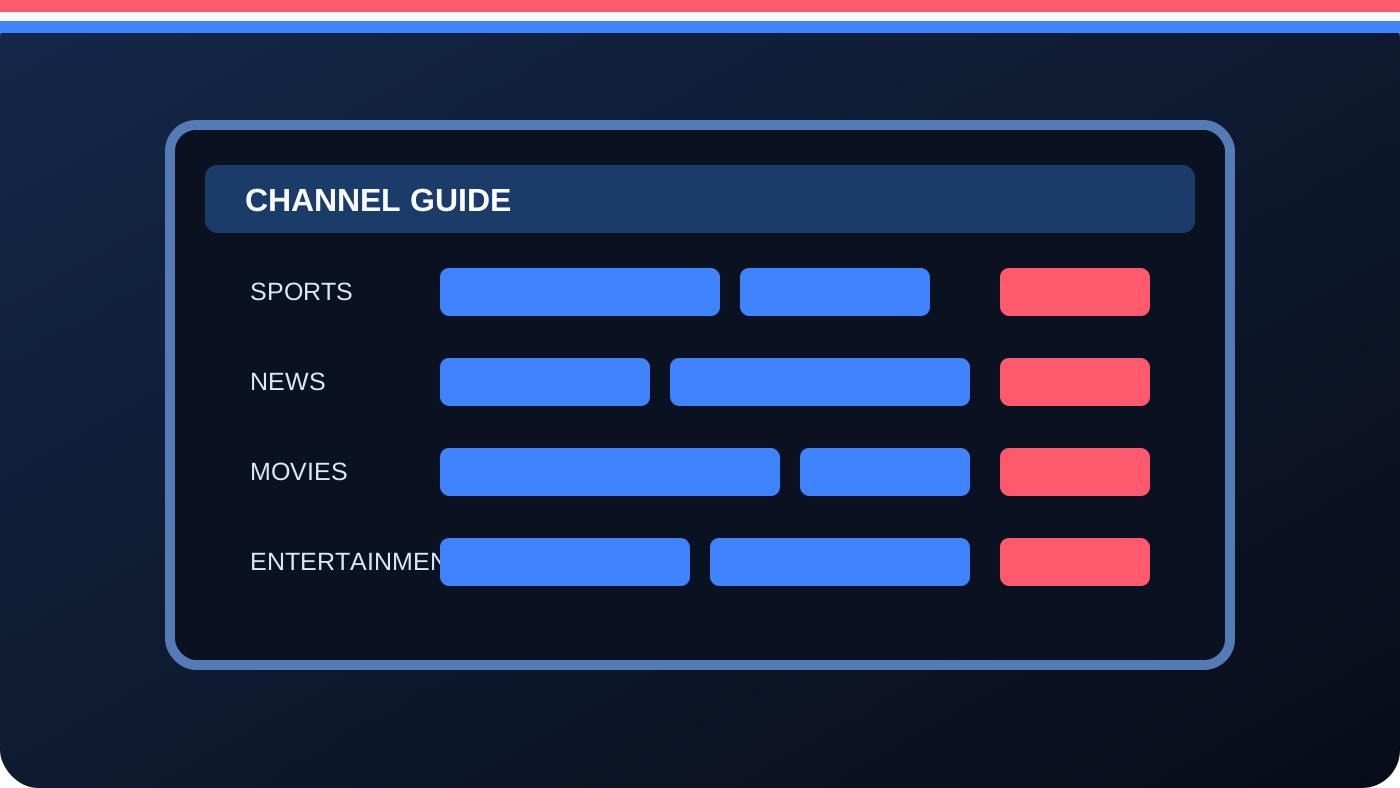
Electronic Program Guide (EPG) and Channel Discovery

An electronic program guide, often shortened to EPG, organises programme information for supported live channels. Depending on the source, it can show programme names, start times, descriptions and what is scheduled next. It makes a large IPTV channel list easier to browse and can help viewers find the correct programme without switching through every channel.

What to check in an IPTV EPG

Confirm which channels include guide data, whether the programme times match your local time zone and how often the guide is refreshed. Some channels may have incomplete schedules or no programme data. The IPTV player may also affect the way the guide is displayed, searched or saved.

EPG, catch-up and recording are not the same

EPG is programme information. Catch-up viewing and recording are separate functions and depend on the service, channel rights, player and device. Do not assume that a programme can be replayed or recorded simply because it appears in the guide. Ask support which features are actually included in the plan.

Illustrated electronic program guide showing channel names and schedule times
Apps and equipment

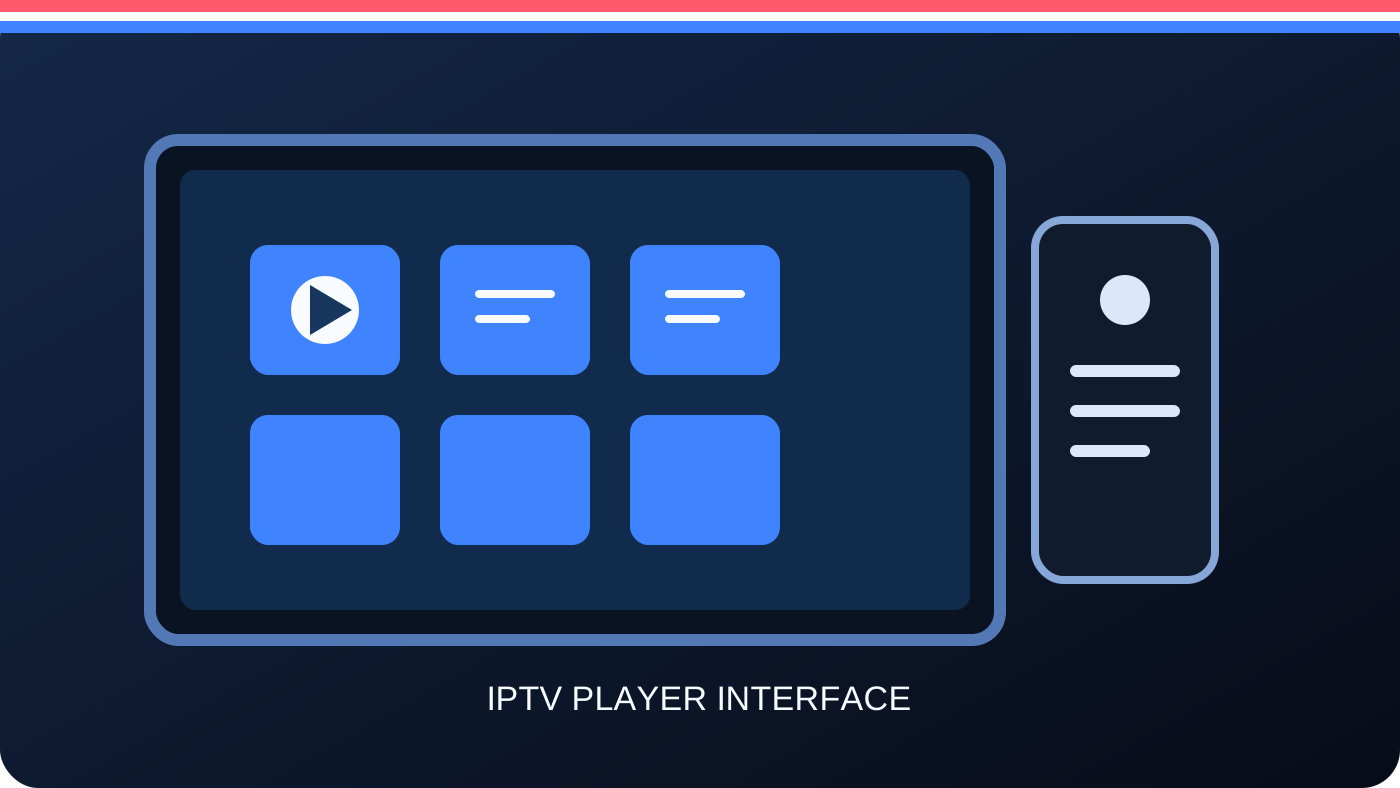
IPTV Apps, Players and Boxes: Know the Difference

People often search for an IPTV app, IPTV player, IPTV box or IPTV streaming service as if they were the same product. They are not. Understanding the difference helps you avoid paying twice or installing an untrusted application.

IPTV service

The subscription or content service supplies the authorised channel or on-demand access, account details and service terms. Check the actual package before purchase.

IPTV app or player

The player is the software used to organise and play the streams. Some players are free; others charge separately. An app by itself does not provide a lawful channel subscription.

Compare IPTV player apps →

IPTV box or receiver

A box is the hardware connected to a television. It may run an app or a dedicated interface. Check software updates, video format support, memory and the availability of trusted apps.

Read the IPTV box guide →

Choosing an IPTV app

Look for a player from a known publisher, a legitimate app store, recent updates, clear privacy information and support for your device. Features such as favourites, search, subtitles, EPG and parental controls can make the player easier to use. Avoid APK downloads from unknown websites and never share account credentials with an untrusted seller.

Choosing a compatible IPTV box

Match the box to your display and network. Check 4K decoding if you have a 4K television, confirm Wi-Fi or Ethernet options and make sure the operating system still receives security updates. A more expensive device does not automatically improve a weak stream or expand the content rights of a subscription.

Multi-device viewing

IPTV Subscription Device Limits: Choose 1, 2, 3 or 4

The pricing selector lets customers choose between one and four devices. Before ordering, confirm whether “devices” means devices registered to the account or streams that can play at the same time. These are not always the same thing.

One device

An individual viewer may only need a single registered screen. Confirm whether switching between a television and phone counts as a device change or whether the account can store more than one device.

Two devices

A two-device selection may suit a household using two screens. Ask whether both devices can stream simultaneously and whether the plan applies to different locations or one household only.

Three or four devices

Larger households may prefer a multi-device package. Check the simultaneous connection limit, supported app setup and the discount shown in the selector before payment.

Device quantity, simultaneous streams and household rules should be explained clearly. If a customer needs a specific combination, the support team should confirm the package in writing before activation.

Trial and refund terms

24-Hour Free IPTV Trial and 7-Day Service-Problem Refund

Trying an IPTV service before choosing a longer plan can help customers check device compatibility, playback and the content they actually need. The trial and refund conditions should be clear before an order is placed.

How to request the 24-hour free trial

Contact support through WhatsApp and ask whether a 24-hour trial is available. Provide the device model, operating system and the types of channels you want to test. If trial access is issued, use the full trial period to check the main channels, EPG information, video quality, app stability and your home network.

A trial is a short evaluation, not a guarantee that every channel, event or film will be available permanently. Ask about the trial's start time, expiry time, connection limit and any restrictions. Do not share passwords or install software from an unknown website.

How the 7-day conditional refund works

The stated policy is for customers who find a service problem that the support team cannot fix. Contact support promptly, explain the issue, provide relevant details and follow the published refund procedure. The policy is not a blanket refund for any reason; it is tied to an unresolved service problem under the stated conditions.

Read the complete 7-day refund policy before paying. Keep the order confirmation and support messages so there is a clear record of the package and the issue reported.

Customer assistance

IPTV Customer Support Before and After You Subscribe

Helpful support should make it easier to understand the service before a customer pays and provide a clear route for reporting problems afterwards. USA IPTV accepts support enquiries by WhatsApp and email. Messages can be sent at any time, although a reply or technical resolution may take longer depending on the issue.

Before ordering

Ask for the current channel list, trial availability, supported devices, simultaneous-stream limit, payment details and applicable refund terms. A clear answer helps you decide whether the IPTV package is suitable.

During setup

Share your TV or box model, operating system and player name. Do not send payment card details or unnecessary personal information. Support can use the device information to give more relevant setup steps.

When a service problem occurs

Provide the affected channel or title, date and time, device, app, network type and any error message. This helps distinguish a local connection fault from a wider service issue.

Use the official contact page for WhatsApp and email details. The team should confirm any change to a subscription or price in writing before the customer agrees to it.

Business enquiries

Interested in Becoming an IPTV Reseller?

USA IPTV welcomes enquiries from businesses and independent sellers interested in discussing a reseller arrangement. Contact our team to ask about current eligibility, approved packages, service territories, technical onboarding, order support and written commercial terms. Any reseller activity must be approved in advance and limited to channels and on-demand content that the provider is authorised to distribute in the destination market.

Reseller enquiries are reviewed individually. No earnings, customer-volume or service-availability guarantees are made. Do not advertise or redistribute content unless the relevant rights and permissions are confirmed.

  1. Ask support whether a reseller programme is currently open and whether your business is eligible.
  2. Confirm approved territories, packages, content rights and technical requirements in writing.
  3. Review the reseller pricing, onboarding process and ongoing support terms before promoting any service.
Ask About Reseller Options
United States market

IPTV USA Availability and Regional Questions

This website is built primarily for customers searching for an IPTV service in the United States. Search phrases such as IPTV USA, IPTV in USA, best IPTV USA and IPTV providers describe what customers may be researching; they do not establish that every channel or package is available in every state.

Check local and regional programming

Local stations, regional sports, blackout rules and distribution agreements can vary. A package that includes a national channel does not necessarily include every local affiliate or regional feed. Give support your state or general region and ask for confirmation of the channels that matter to you. Avoid sending a full home address unless it is genuinely required for account support.

Enquiries from Canada and Mexico

Canada and Mexico are secondary enquiry markets only. Before accepting an order from either country, the operator should confirm applicable distribution rights, available channels, local consumer terms, currency and payment conditions. The USA homepage should not imply that the same service catalogue or legal permissions automatically apply across borders.

Internet requirements

Use a stable broadband connection and keep your router and device software updated. Higher resolution generally needs more bandwidth, especially when multiple people use the network. If performance varies, test with a wired connection where practical and compare playback at different times of day.

Evidence-based comparisons

Best IPTV Service, Best IPTV Provider and Top-Rated IPTV: What to Check

Searchers use phrases such as best IPTV service, best IPTV services, best IPTV provider, best IPTV providers and top rated IPTV when comparing options. These are commercial searches, but the words “best” and “top-rated” should be supported by criteria rather than unsupported claims. Customers researching the best IPTV service 2026 should apply the same evidence-based checks instead of relying on a ranking without a test method.

Check the exact package

Compare price, subscription length, device limits, trial access, refund terms and what the service actually supplies. A low price is not useful if the required channel, event or device is missing.

Look for transparent information

Check who operates the service, how to contact support, how account credentials are delivered, how renewals work and what happens if a service issue cannot be fixed. Avoid anonymous sellers and unclear terms.

Verify reviews and ratings

Look for detailed, independent reviews that describe a real experience and explain how the reviewer assessed the service. This website does not invent customer testimonials or publish fabricated Google ratings.

Confirm legal availability

Make sure the channels, sports events, movies and series are authorised for your territory. If a seller cannot explain its rights or the origin of the content, do not rely on a broad “unlimited” claim.

There is no single IPTV provider that is automatically right for every customer. The most suitable service is the one that meets your viewing needs, works on your devices, fits your budget and can document the rights and terms behind the package.

Common questions

IPTV Service USA: Frequently Asked Questions

These answers cover common questions about an IPTV subscription, supported devices, channel lists, streaming quality and customer protection. Confirm account-specific details with support before placing an order.

What is an IPTV service?

IPTV stands for Internet Protocol Television. It delivers television or on-demand video over an internet connection to a compatible device and player. The technology itself does not guarantee that a particular provider has the rights to distribute every channel or title.

Which IPTV subscription plans are available?

The current promotional options are 1, 3, 6 and 12 months. The listed one-device prices are $14, $29, $37 and $55 respectively. Multi-device discounts are calculated in the pricing selector. Confirm the final total and terms before payment.

Can I choose two, three or four devices?

Yes. The pricing selector supports one to four devices with the stated discounts. Ask whether the selected number refers to registered devices or simultaneous streams, as these can be different limits.

Is a 24-hour free trial available?

The service offers a 24-hour trial. Contact support to request access and confirm current availability, the start and expiry time, and any trial limitations.

Does the IPTV service include 4K?

The advertised offer lists SD, HD, Full HD and 4K options. Actual resolution depends on the channel or title source, the device, player, display and internet connection. Ask which content is currently supplied in 4K.

Does IPTV include an app or box?

An IPTV player app and an IPTV box are different from the content subscription. Check whether you already own a compatible device and whether the player is free or separately licensed. The setup guide explains the difference.

What happens if a service problem cannot be fixed?

The stated refund policy covers a service problem that support cannot resolve, subject to the seven-day conditions. Read the full Refund Policy and contact support promptly with details of the issue.

Can customers in Canada or Mexico subscribe?

Customers in Canada and Mexico may enquire, but availability, content rights, channel selection and local terms must be confirmed separately. The primary market for this website is the United States.

Read the complete IPTV service FAQ →

Helpful resources

IPTV Guides: Apps, Boxes, Subscriptions and Streaming

Use these guides to understand IPTV technology and compare equipment before you subscribe. They answer different search intents from the main commercial homepage.

Illustration of compatible IPTV streaming devices

IPTV Box Guide

Compare boxes, smart TV apps, streaming sticks and device compatibility.

Browse all IPTV guides and articles →

Content Rights and Responsible Access

Channel, sports, movie and series availability must be supported by distribution rights for the territory where the customer watches. Brand and league names on this page are descriptive and do not imply sponsorship, endorsement or affiliation. The operator should be able to document licences for the catalogue it supplies and remove content when rights change.